
Beyond i18next: How Shared Backend Localization Powers Multi-App Translation with AutoLocalise
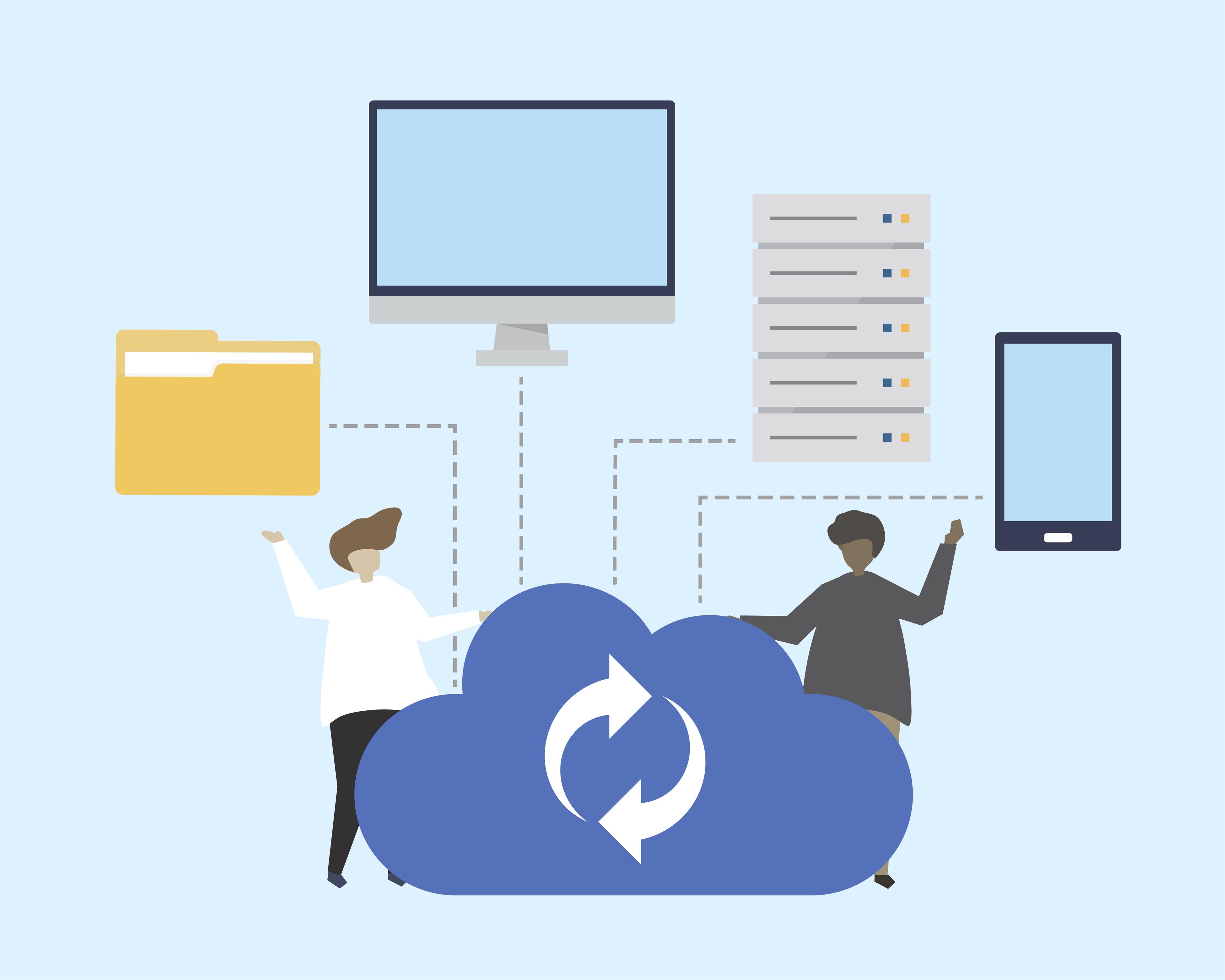
I was managing 3 React apps (web, mobile, admin) with duplicated translations. Each app had its own JSON files, its own keys, and its own workflow. It was a nightmare.
Every time I updated a translation in the web app, I had to manually update the mobile app and admin app too. Sync issues were weekly. Translators were confused. Developers were frustrated.
After 2 years of this, I switched to a shared backend approach. The transformation was immediate:
- Translation updates: Instant across all apps
- Sync issues: Zero
- Development time on i18n: From 15 hours/week to 1 hour/week
- Translator satisfaction: From 4/10 to 9/10
In this article, I'll show you how shared backend localization works and why it's a game-changer for multi-app projects.
Introduction
Managing localization in a growing app is hard. Managing it across multiple apps or environments? Even harder.
If you've used traditional setups like i18next, you're familiar with this pattern:
- Write your keys
- Maintain per-language JSON files
- Ship them with your app
- Repeat for every app, staging environment, or white-labeled brand
This works… until it doesn’t. Especially when:
- You maintain multiple frontends for web, mobile, or admin
- You support multiple regions or brands
- Your copy updates frequently
AutoLocalise takes a different approach.
It centralizes all translations in a shared backend database. This seemingly small shift unlocks a powerful feature: any app can reuse translations instantly without importing files or repeating keys.
Traditional i18n: Local Files, Local Scope
Here’s how localization typically works with i18next or similar tools:
project/
├── public/
│   └── locales/
│       ├── en.json
│       └── fr.json
You define keys like this:
{
  "login_button": "Log in",
  "signup_cta": "Create an account"
}
And reference them in your UI:
t("login_button");
This works fine for one app. But imagine:
- A mobile app that also needs the same strings
- A white-labeled admin panel with similar UI
- A landing page needing partial reuse
You’re now duplicating files across apps, managing merge conflicts, and shipping unnecessary keys.
AutoLocalise: Centralized, Real-Time Translation Layer
AutoLocalise skips translation files altogether.
Instead:
- Developers write plain text in JSX
- The frontend sends that text to the backend
- The backend responds with the appropriate translation
- Results are cached for speed at UI, Redis, and database layers
Critically: all translations are stored and versioned centrally.
This means:
- Any new app using the same backend sees the same translations instantly
- You don’t need to re-upload or re-sync any language files
- Updating the English text updates the translation pipeline across all apps
No keys. No files. Just text.
Real-World Example: Shared Translations Across Web + Admin + Mobile
Imagine a company with:
- A customer-facing marketing site (React)
- A React Native mobile app
- An internal admin dashboard
All of these apps have shared UI components:
- “Submit”
- “Create account”
- “Payment successful”
With file-based systems, you'd manually copy keys and values between:
- web/en.json
- admin/en.json
- mobile/en.json
With AutoLocalise, all three apps use the same t() hook:
const { t } = useAutoTranslate();
return <Text>{t("Create account")}</Text>;
Behind the scenes, the same backend powers all three. The first app that triggers translation stores the result. All other apps reuse it instantly.
Technical Benefits
Feature | i18next (file-based) | AutoLocalise (backend) |
|---|---|---|
| Translation storage | Local JSON per app | Shared DB (Supabase + Redis) |
| Update workflow | Manual file edits, deploy | Auto-triggered on render |
| Multi-app reuse | Requires syncing keys | Realtime shared access |
| Duplicate string detection | ❌ | ✅ |
| Runtime flexibility | Limited | High |
Developer Experience: Simpler by Default
No translation keys, no setup, no need to define context like:
{
  "dashboard.title": "Welcome to your dashboard"
}
You write:
t("Welcome to your dashboard");
And let AutoLocalise handle:
- Language translation
- Global caching
The Hidden Superpower: Reuse Without Thinking About It
This feature—shared, real-time translation across all apps—isn’t just convenient. It’s strategic:
- Lower cost: You only pay for translation once per unique phrase
- Higher consistency: Users see identical translations across platforms
- Faster delivery: Teams can build apps in parallel without translation coordination
You don’t have to think about reuse. It just happens.
Summary
Traditional i18n assumes each app is a silo. AutoLocalise treats your entire platform as a unified experience.
By shifting translations from local files to a central backend, AutoLocalise makes it easy to:
- Share translations across multiple React, React Native, or Expo apps
- Remove translation files from your repo
- Keep translations consistent without syncing or duplication
If you’re building for scale—or already juggling multiple environments—this architecture is worth considering.
You can try it at AutoLocalise.com.