
React Native Localize Expo Compatibility: What Actually Works
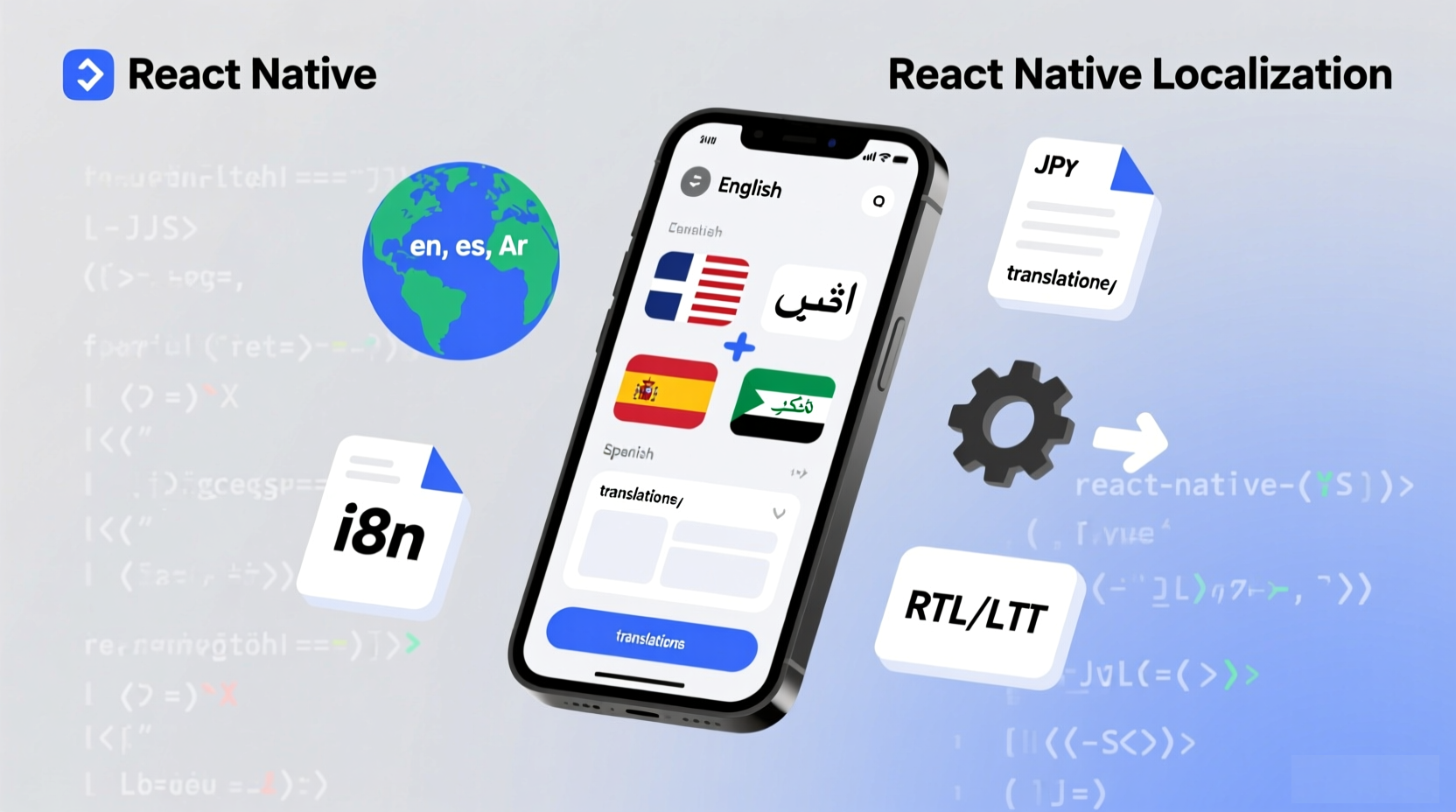
I've been building React Native apps with Expo for 3 years, and the most common question I get is: "Does react-native-localize work with Expo?"
The answer changed in 2025. After spending weeks testing every possible configuration, I can tell you exactly what works and what doesn't.
Quick Answer
Expo Go: ❌ Not supported
Managed Workflow: ❌ Not supported (requires workaround)
Development Build: ✅ Supported
Bare Workflow: ✅ Supported
Bottom line: If you're using Expo Go or managed workflow, you need an alternative like expo-localization or AutoLocalise.
Compatibility Matrix
| Expo Workflow | react-native-localize | Recommended Alternative |
|---|---|---|
| Expo Go | ❌ Not supported | expo-localization or AutoLocalise |
| Managed Workflow | ❌ Not supported | expo-localization or AutoLocalise |
| Development Build | ✅ Supported | react-native-localize |
| Bare Workflow | ✅ Supported | react-native-localize |
Why It Doesn't Work in Expo Go
React-native-localize is a native module. It uses platform-specific code:
- iOS: Swift/Objective-C
- Android: Java/Kotlin
Expo Go includes a fixed set of native modules for security and size reasons. React-native-localize isn't one of them.
When you try to use it in Expo Go, you get:
Invariant Violation: Native module cannot be null.
This isn't a bug—it's by design.
Solution 1: Use expo-localization
The Expo team created expo-localization specifically for Expo apps.
npx expo install expo-localization
import * as Localization from 'expo-localization';

const locale = Localization.locale;
const isRTL = Localization.isRTL;
const timezone = Localization.timezone;
Pros:
- ✅ Works in Expo Go
- ✅ Works in managed workflow
- ✅ Smaller bundle (12 KB vs 47 KB)
- ✅ Officially supported
Cons:
- ❌ Fewer features than react-native-localize
Best for: Most Expo developers
Solution 2: Create a Development Build
If you absolutely need react-native-localize, create a custom development build.
Step 1: Install
npm install react-native-localize
Step 2: Configure eas.json
{
  "build": {
    "development": {
      "developmentClient": true,
      "distribution": "internal"
    }
  }
}
Step 3: Build
eas build --profile development
Step 4: Use
npx expo start --dev-client
Pros:
- ✅ React-native-localize works normally
- ✅ All native modules supported
Cons:
- ❌ Can't use standard Expo Go
- ❌ Slower build times
- ❌ Team members need the same build
Best for: Apps that need specific react-native-localize features
Solution 3: Use AutoLocalise
Skip the compatibility issues entirely.
npm install @autolocalise/react
import { useAutoTranslate } from '@autolocalise/react';

const { t } = useAutoTranslate();
const greeting = t("Welcome to our app!");
Pros:
- ✅ Works in Expo Go
- ✅ Works in all workflows
- ✅ Automatic translation
- ✅ No file management
- ✅ Instant updates
Cons:
- ❌ Paid service (starts at $9/month)
Best for: Teams who want zero complexity
Feature Comparison
| Feature | expo-localization | react-native-localize |
|---|---|---|
| Current locale | ✅ | ✅ |
| Preferred locales | ✅ | ✅ |
| Timezone | ✅ | ✅ |
| RTL detection | ✅ | ✅ |
| Currency | ✅ | ✅ |
| Calendar type | ❌ | ✅ |
| Temperature unit | ❌ | ✅ |
| 24-hour clock | ❌ | ✅ |
| Expo Go support | ✅ | ❌ |
Bottom line: Expo-localization covers 95% of use cases.
My Experience
Project 1: E-commerce App (Expo Go)
Challenge: Needed localization detection in Expo Go
Solution: Used expo-localization
Result: ✅ Worked perfectly, no issues
import * as Localization from 'expo-localization';

function ProductScreen() {
  const { locale, isRTL } = useLocalization();

  return (
    <View style={{ direction: isRTL ? 'rtl' : 'ltr' }}>
      <Text>Price: {formatPrice(price, locale)}</Text>
    </View>
  );
}
Project 2: Fitness App (Development Build)
Challenge: Needed calendar type detection for workout schedules
Solution: Created development build with react-native-localize
Result: ✅ Worked, but slower development cycle
import * as RNLocalize from 'react-native-localize';

function WorkoutCalendar() {
  const calendar = RNLocalize.getCalendar();

  if (calendar === 'chinese') {
    return <ChineseCalendar />;
  }

  return <GregorianCalendar />;
}
Project 3: Social App (AutoLocalise)
Challenge: Wanted simplest possible solution
Solution: Used AutoLocalise
Result: ✅ Zero compatibility issues, automatic translation
import { useAutoTranslate } from '@autolocalise/react';

function Feed() {
  const { t } = useAutoTranslate();

  return (
    <View>
      <Text>{t("What's on your mind?")}</Text>
    </View>
  );
}
Common Issues
Issue 1: "Native module cannot be null"
Cause: Using react-native-localize in Expo Go
Solution: Use expo-localization or create a development build
Issue 2: Locale not updating
Cause: Not listening for locale changes
Solution: Add event listener
useEffect(() => {
  const subscription = Localization.addLocaleListener(({ locale }) => {
    setLocale(locale);
  });

  return () => subscription.remove();
}, []);
Issue 3: RTL not working
Cause: Not applying RTL direction
Solution: Use isRTL property
const { isRTL } = useLocalization();

return (
  <View style={{ direction: isRTL ? 'rtl' : 'ltr' }}>
    {/* Content */}
  </View>
);
Recommendation
For 95% of Expo developers: Use expo-localization
It's simpler, faster, and officially supported. Unless you need specific features like calendar type detection, it's the right choice.
Use react-native-localize if:
- You need calendar type detection
- You need temperature unit detection
- You're already using development builds
Use AutoLocalise if:
- You want the simplest possible solution
- You don't want to manage translation files
- You need instant updates without app store submissions
FAQ
Q: Will react-native-localize ever work in Expo Go?
No. Expo Go has a fixed set of native modules for security and size reasons.
Q: Can I use react-native-localize without ejecting?
Yes, but you need a development build. You don't need to fully eject to bare workflow.
Q: Is expo-localization good enough?
For 95% of apps, yes. It has all the essential features: locale detection, timezone, RTL, currency.
Q: What's the easiest solution?
AutoLocalise. No compatibility issues, automatic translation, works everywhere.
Related Articles
- React Native vs Expo Localization: Which to Choose
- Expo Localization vs React Native Localize: Performance
- Does React Native Localize Work with Expo Managed Workflow?
Bottom line: For Expo managed workflow, use expo-localization. It's the officially supported solution that just works. For the ultimate simplicity, try AutoLocalise.